Quick Tips on Writing Titles for Tables and Figures in Scientific Papers

Blog Highlights
To write a title for a table/figure in a research paper you should
1. Describe what the figure/table represents in 1 sentence/phrase (e.g., “Table 1. Liver function markers in patients undergoing hemodialysis (N =578)”)
2. Include key variables and the subjects whose data are in the table/figure
3. Number tables and figures sequentially according to the order in which you mention them in the text.
4. Place table titles above the table and figure titles below the figure, unless your journal guidelines state otherwise.
Introduction
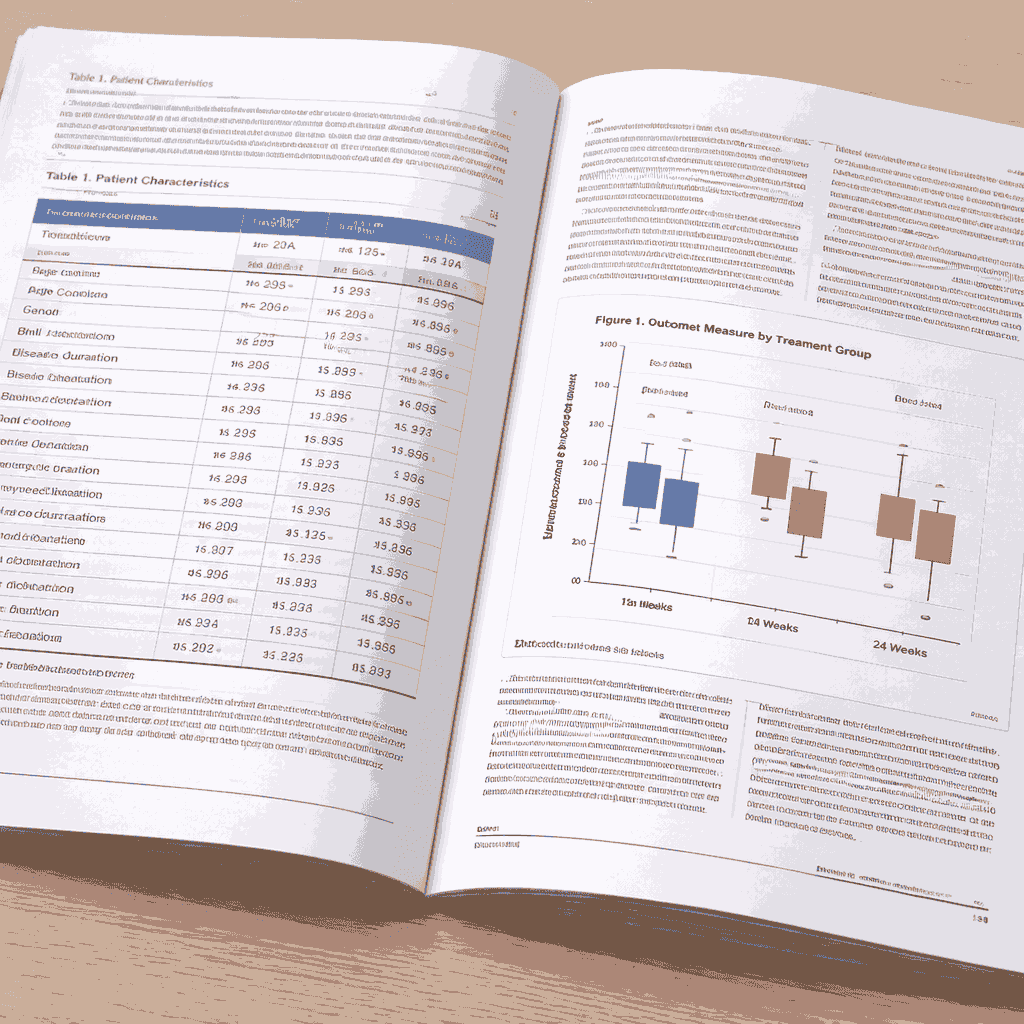
Tables and figures are commonly used in research papers to supplement text. The Method and Results sections are most likely to have these display items to inform readers of the experimental setup and summarized findings. This post looks at how titles of tables and figures (although with figures it is customary to refer to titles as captions) can be framed and also highlight some formatting aspects.
Titles: Complete Sentences vs Sentence Fragments
How to Style and Format Table/Figure Titles
Citing Tables/Figures from Other Research Papers
Tips to Write Effective Titles for Tables/Figures
Declarative vs. Descriptive Titles: A Modern Shift
How to Write Self-Contained Captions for Figures
How to Write Titles for Multi-panel Figures
Titles: Complete Sentences vs Sentence Fragments
Phrase the title as complete and declarative sentences that capture the essence of the information presented in the table/figure when including them in reports and presentations. You can use sentence fragments that indicate their scope if they are part of a research paper.
Examples for titles as complete sentences:
Table 2 Measurements of wind speed are subject to wide uncertainties.
Table 4 European countries have stringent regulations governing noise pollution.
Examples for titles as sentence fragments:
Table 2 Range of uncertainty in measured wind speeds
Table 4 Regulations Concerning Noise Pollution in Europe
How to Style and Format Table/Figure Titles
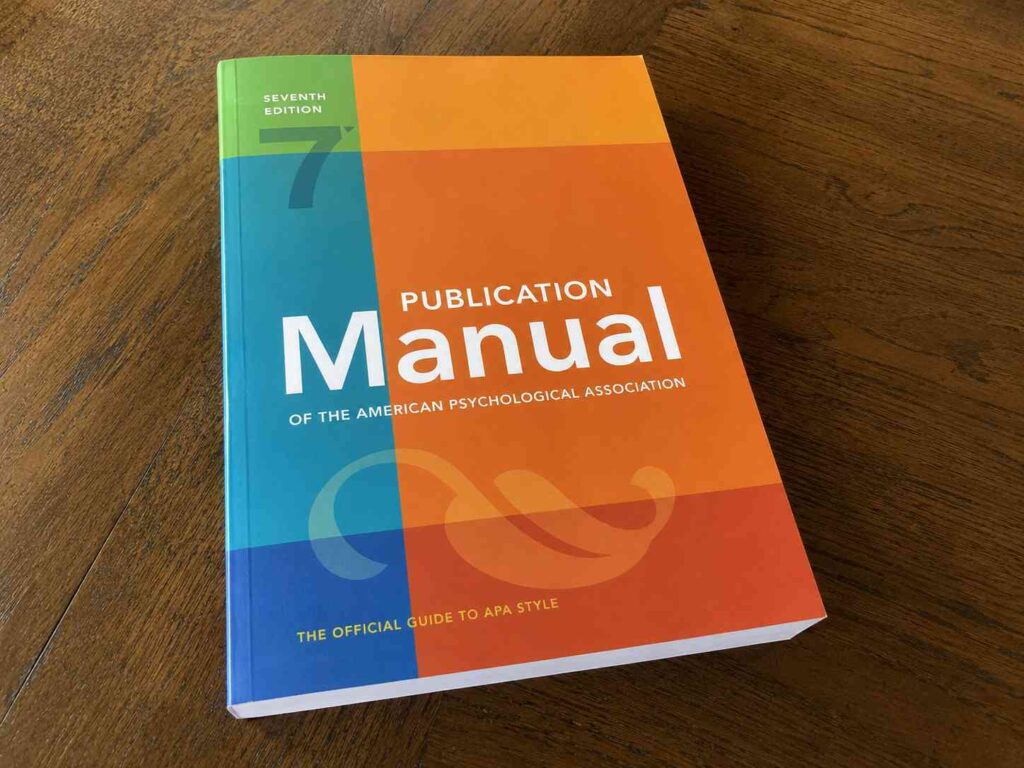
The formatting of table and figure titles varies for different style guides. Styles guides like APA and MLA provide detailed formatting instructions. But if you’re submitting a research paper to a journal, the journal-specified formatting requirements ALWAYS take precedence over style guide instructions.
APA Style Title Format
In APA, the table/figure number is left-aligned, written in bold above the title. The title is double line spaced after the table/figure number; write it in title case and italicize. DO NOT use a period after the title.
Example:
Table 1
This is a Table Title
OR
Figure 1
This is a Figure Title
MLA Style Title Format
The MLA style for table titles is similar to that of APA: flush left on separate lines above the table. Use title case but the title need not be double spaced, italicized, or bold.
Example:
Table 1
This is a Table Title
For figure titles, MLA recommends placing them below the figures and abbreviating the label to “Fig.” followed by the number. A period can be used after the figure caption.
Example:
Fig. 1. This is a Figure Title.
Citing Tables/Figures from Other Research Papers
Sometimes, you may have to refer to tables or illustrations from previously published papers (including your own). But you should be aware of two main guidelines for this:
1. Tables/figures taken from other sources should be listed under references.
2. In the main text, add a note below the table/figure clarifying that copyright was obtained from the original owner.
It is best to refer to journal guidelines on how this should be presented in your paper. In general, however, the display item along with the original title should be placed close to its first mention in the main text. Then, below the table/figure, add a note. This note should basically provide enough information for readers to refer to the original source if needed.
Here are a few ways to write this note:
Note. Reprinted from “Article Title,” by Author name, Year, Journal Title, Volume (issue), page number. Copyright (year) by title of publisher.
OR
Note. Reprinted from Book Title (p. xx), by Author name, Year, Place of Publication: Publisher. Copyright (year) by title of publisher.
Tips to Write Effective Titles for Tables/Figures
It’s good to be aware of when tables and figures should be used in research papers. But since we are focusing on titles, here are a few general guidelines on writing effective table titles and figure captions:
- Give sufficient information for readers to understand what the table/figure represents. Regardless of whether you use complete sentences or sentence fragments, make sure that it’s enough to describe the content of the table/figure clearly.
- Pay attention to journal guidelines on the character limit or word count limit for titles. Not all journals specify them; but if they do, ensure that the limit is not exceeded.
- Use clear, legible font type and size, preferably journal-specified ones. If it is not explicitly mentioned, use standard Serif or Sans Serif fonts like Times New Roman, Calibri, Arial, etc.
- Always number the display items sequentially but separately (e.g., Table 1, Table 2…. and Figure 1, Figure 2…). If there are two tables and the remaining are figures, do not label it as Figure 3 after Table 2.
Tables and illustrations form a critical part of research presentation. When you have your data and findings ready but are unsure of how to present them effectively, seek professional artwork preparation assistance to get high-quality illustrations that align with your research.
Declarative vs. Descriptive Titles: A Modern Shift
Traditionally, table and figure titles simply described the data being presented. High-impact journals now increasingly favor declarative titles that state the main finding upfront.
|
Style |
Example |
|
Descriptive |
“Effect of temperature on enzyme activity” |
|
Declarative |
“Enzyme activity peaks at 37°C regardless of substrate concentration” |
|
Descriptive |
“Comparison of survival rates across treatment groups” |
|
Declarative |
“Treatment A improves 5-year survival by 23% over standard care” |
Why declarative titles are getting popular:
- They help readers quickly grasp the key takeaway without reading the full text.
- They reduce the risk of “data dumps” (figures and tables included without a clear interpretive point)
- They push authors to construct figures that communicate one focused message.
- Journals such as Nature, PLOS ONE, and Cell routinely publish figures with result-first captions.
When to use each style:
- Descriptive: appropriate for methods figures, supplementary data, or when findings are genuinely inconclusive.
- Declarative: preferred for primary results figures where a clear finding exists.
- Journal guidelines always take precedence. Check the author instructions before deciding.
Common mistake to avoid:
Starting a declarative title with “This figure shows…” or “The table demonstrates…” These phrases add words without adding meaning. Lead directly with the finding or the variable.
How to Write Self-Contained Captions for Figures
A strong figure caption should let the reader fully interpret the figure without consulting the main text. Include the following elements:
- A descriptive or declarative title: state what the figure shows or, better yet, what it concludes (e.g., “Drug X significantly reduced tumor volume compared to controls”).
- Sample size: always specify N (e.g., “n = 48 mice per group”).
- Statistical test used: name the test briefly (e.g., “compared by two-tailed Student’s t-test”).
- P-value or significance notation: define any symbols used (e.g., “*p < 0.05, **p < 0.01, ns = not significant”).
- Error bar definition: never leave error bars unexplained; state whether they represent SD, SEM, or 95% CI.
- Number of replicates or experimental repeats: distinguish biological from technical replicates where relevant.
- Abbreviations and units: define any abbreviations used in the figure that are not already defined in the title.
What to avoid:
- Repeating large passages from the Methods section. Keep information to the minimum needed for interpretation.
- Omitting statistical context and expecting readers to find it in the text.
- Using undefined symbols or color codes without a legend or caption explanation.
Following these guidelines ensures your caption stands alone: a standard increasingly expected by peer reviewers and editors at high-impact journals.
How to Write Titles for Multi-panel Figures
When a figure contains multiple panels (A, B, C, D), the titling approach requires an extra layer of structure.
The overarching title:
- Write one declarative title that links all panels under a single conclusion or theme.
- Example: “Inhibiting pathway X reduces cell proliferation, migration, and tumor growth in vivo.”
Individual panel labels:
- Label each panel with a bold capital letter (A, B, C, D) placed at the top-left corner.
- Add a brief descriptor per panel within the caption body — e.g., “(A) Cell proliferation assay, (B) Wound-healing migration assay.”
Caption structure:
- Overarching title first, followed by panel-by-panel descriptions in order.
- Each panel description should include its own sample size, statistical test, and error bar definition.
Key rules:
- Never write a separate standalone caption for each panel.
- In APA 7th edition, multi-panel figures follow the same title-above, caption-below convention as single figures.
Frequently Asked Questions
Should a figure title be a complete sentence or a phrase?
It depends on the context. In journal articles and theses, a descriptive phrase (sentence fragment) is standard (e.g. “Effect of temperature on enzyme activity”). In reports and presentations, complete declarative sentences that state the main finding are increasingly preferred (e.g. “Enzyme activity peaks at 37°C”). Always check the journal’s author guidelines first.
What is the difference between a figure caption and a figure legend?
A caption is the block of text placed below (or sometimes above) a figure that includes the title and any necessary explanation. A legend is the key within the figure itself, typically a small box showing what symbols, colors, or line styles represent. Both serve the reader but in different ways: the caption provides context and interpretation; the legend decodes the visual elements.
Where exactly should a table title be placed: above or below?
Table titles (captions) go above the table in virtually all major style guides like APA, MLA, and Chicago, and most journal guidelines. Figure captions, by contrast, go below the figure. The rationale is that readers scan tables top-to-bottom like text, so they need the title first; figures are taken in as a whole before the reader looks for an explanation.
How much detail should a figure caption include?
A well-written caption should be self-contained enough that a reader can understand the figure without consulting the main text. This typically means including: a descriptive or declarative title, brief methodological context (e.g. the assay used, sample size), a definition of error bars or statistical notation, and p-value information if relevant. Avoid repeating large chunks of the Methods section. Aim for the minimum a reader needs to interpret the data independently.
Do table and figure numbers follow the same sequence?
No, tables and figures are numbered in separate series. Tables are numbered Table 1, Table 2, Table 3 in the order they are first mentioned in the text; figures are numbered Figure 1, Figure 2, Figure 3 independently. If a paper has two tables and four figures, the numbering never crosses over between the two types. Some journals use abbreviations (Fig. 1) for figures, so check the guide for authors of your target journal.
Originally published on July 3, 2015. Revised on April 13, 2026